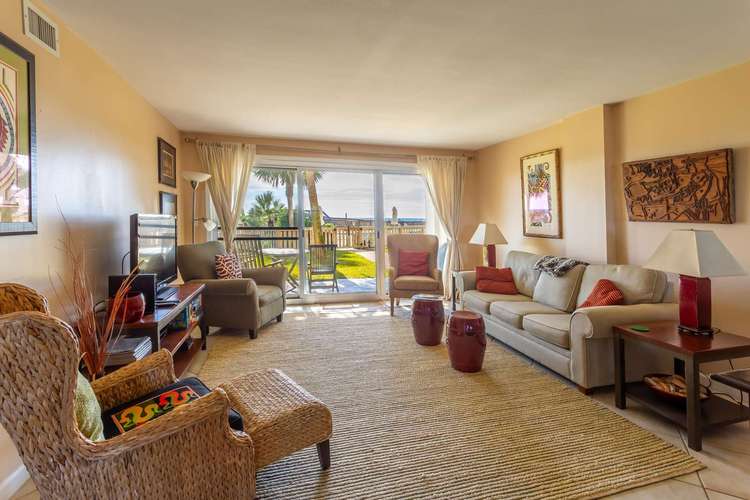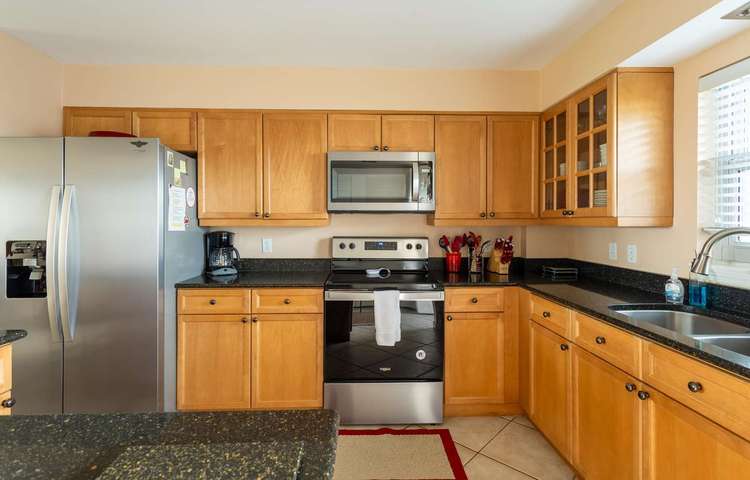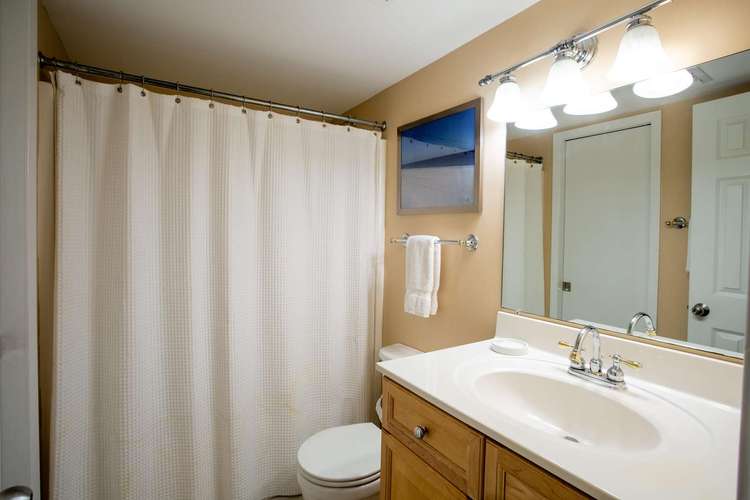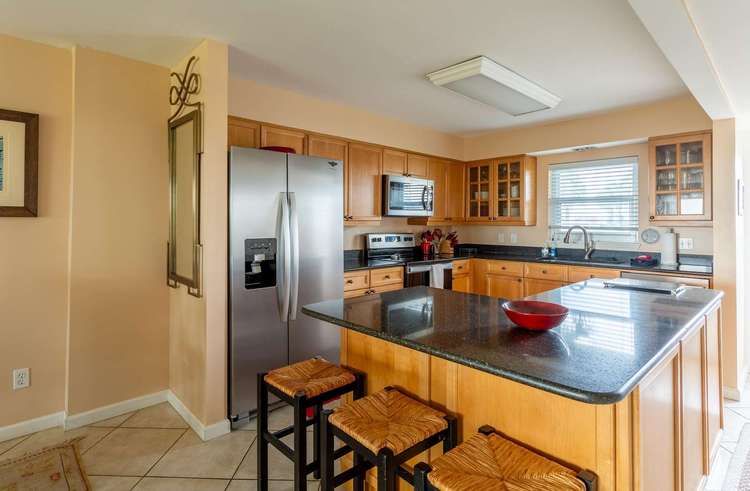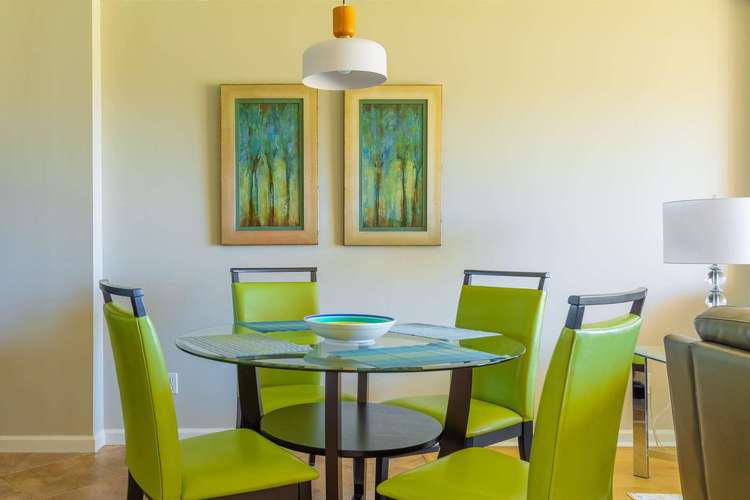
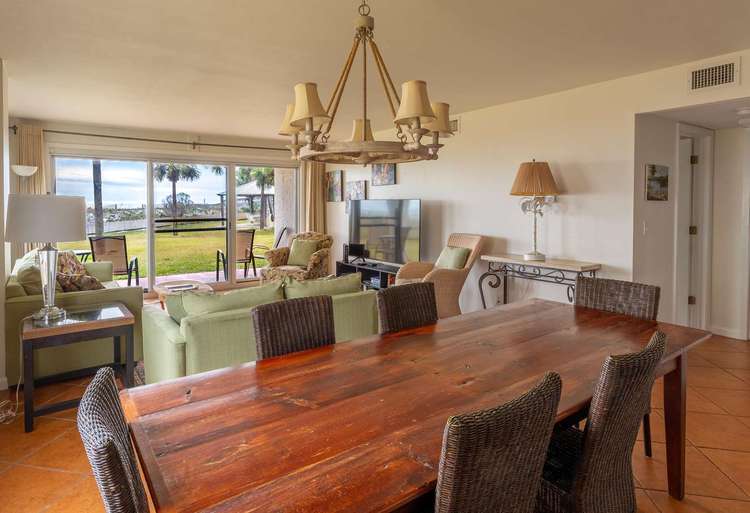
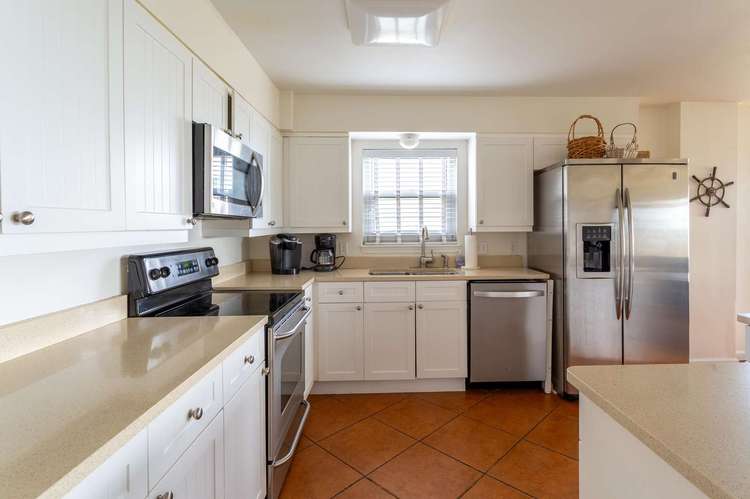
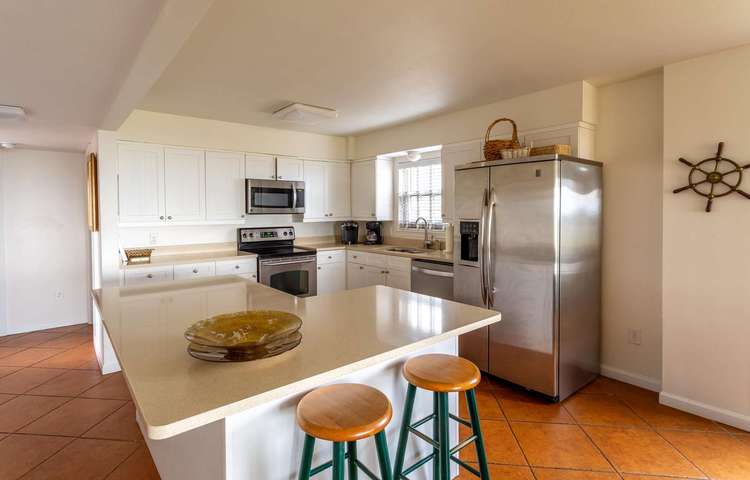
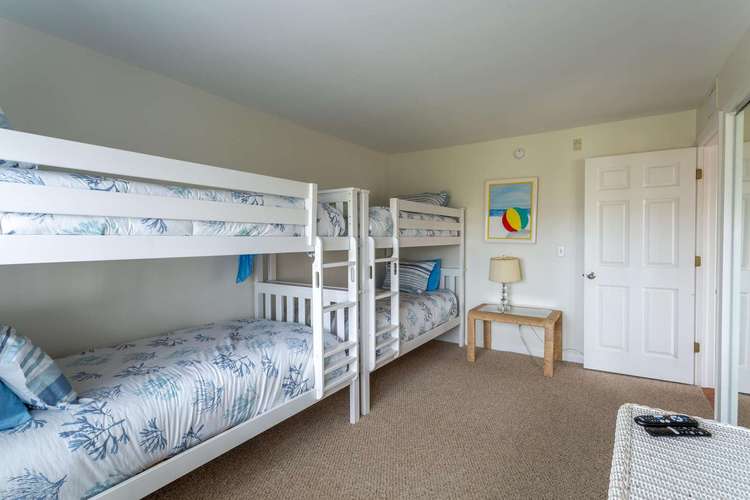
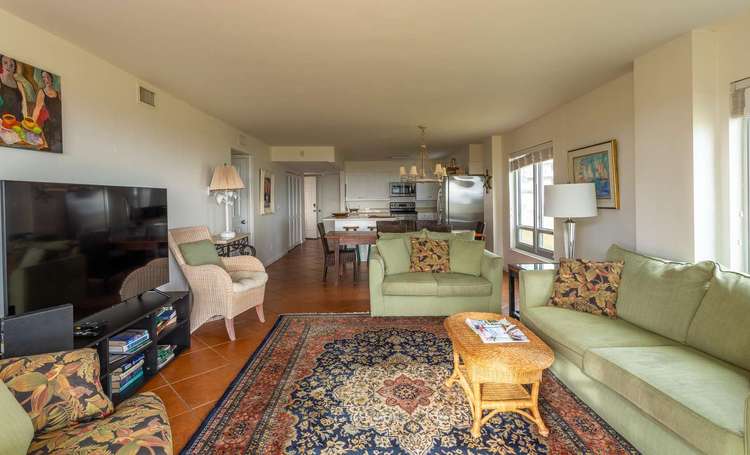
The Lodgix plugin comes with a collection of widgets that can be included on any page of your site. Detailed documentation for each widget can be found here, and you can view each of them below.
Property Search
The property search widget provides a search form allowing site visitors to search for properties from any page of your site. You can customize it’s look and the fields that are displayed. A preview of search results will be presented, and once users submit the search they will be taken to the main properties listing page.
Featured Properties
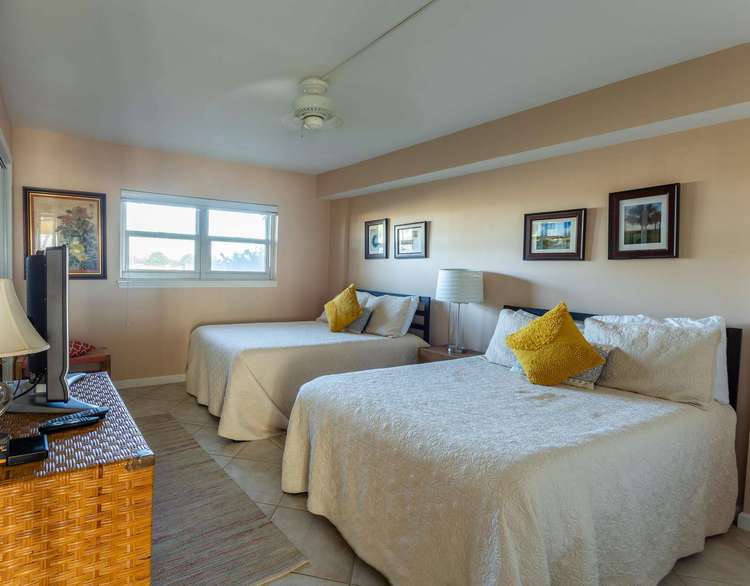
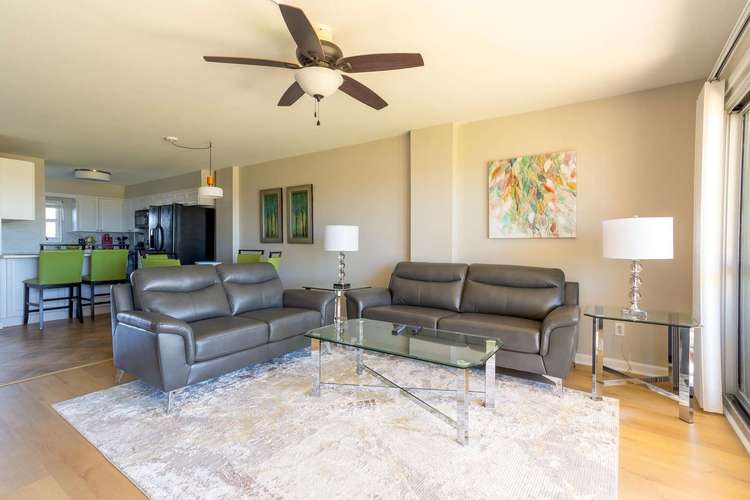
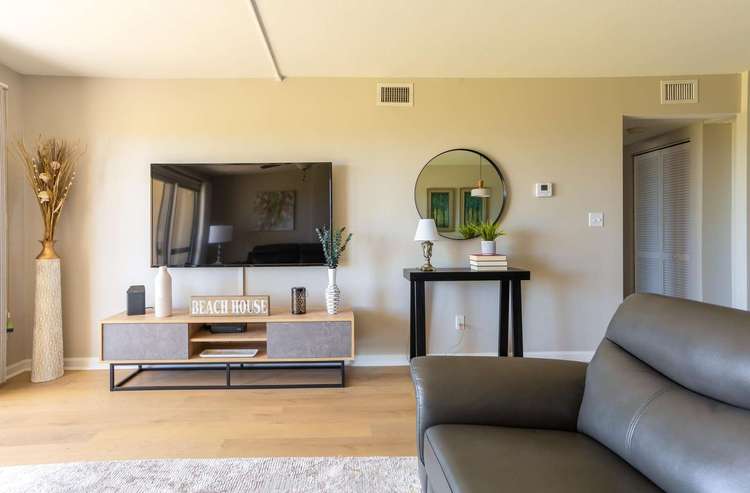
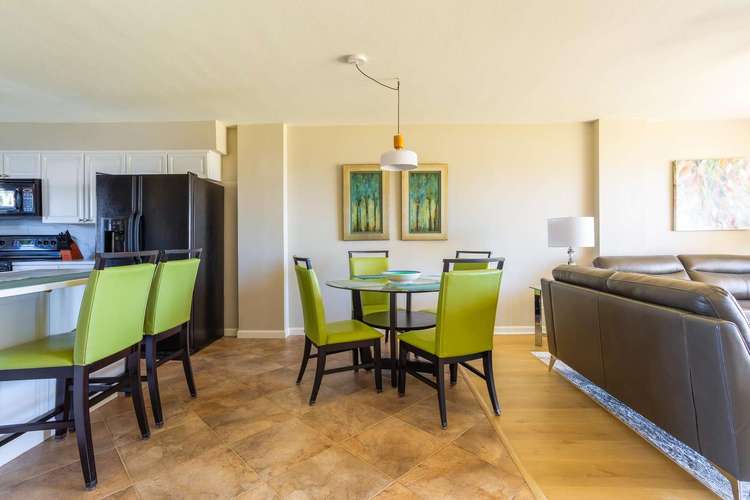
The featured properties widget can be used to display property listings in a number of ways. It can be used to display a set number of properties at random, properties from within a certain category or with a specific tag, or display properties specifically marked as featured. Style options are available to customize the display, along with options to determine what property information is to be shown.
Seafarer Rental 101
- 3 Bedrooms
- 3.0 Bathrooms
- Sleeps 10
- No pets
Seafarer Rental 103
- 2 Bedrooms
- 2.0 Bathrooms
- Sleeps 6
- No pets
Seafarer Rental 104
- 2 Bedrooms
- 2.0 Bathrooms
- Sleeps 6
- No pets
Property Reviews
Property reviews can be displayed in columns, or in a carousel (see home page). There are options on what details to display as well as an option to display based on minimum star count.
Property Categories
The property categories widget can be used to display a grid of your property categories and tags.
Inquiry Form
The inquiry form allows users to get in touch with you about specific properties.